Dublin City Schools demos SchoolLinks platform for parents, outlines guardian access and district use
April 30, 2026 | Dublin City (Regular School District), School Districts, Ohio
This article was created by AI summarizing key points discussed. AI makes mistakes, so for full details and context, please refer to the video of the full meeting. Please report any errors so we can fix them. Report an error »
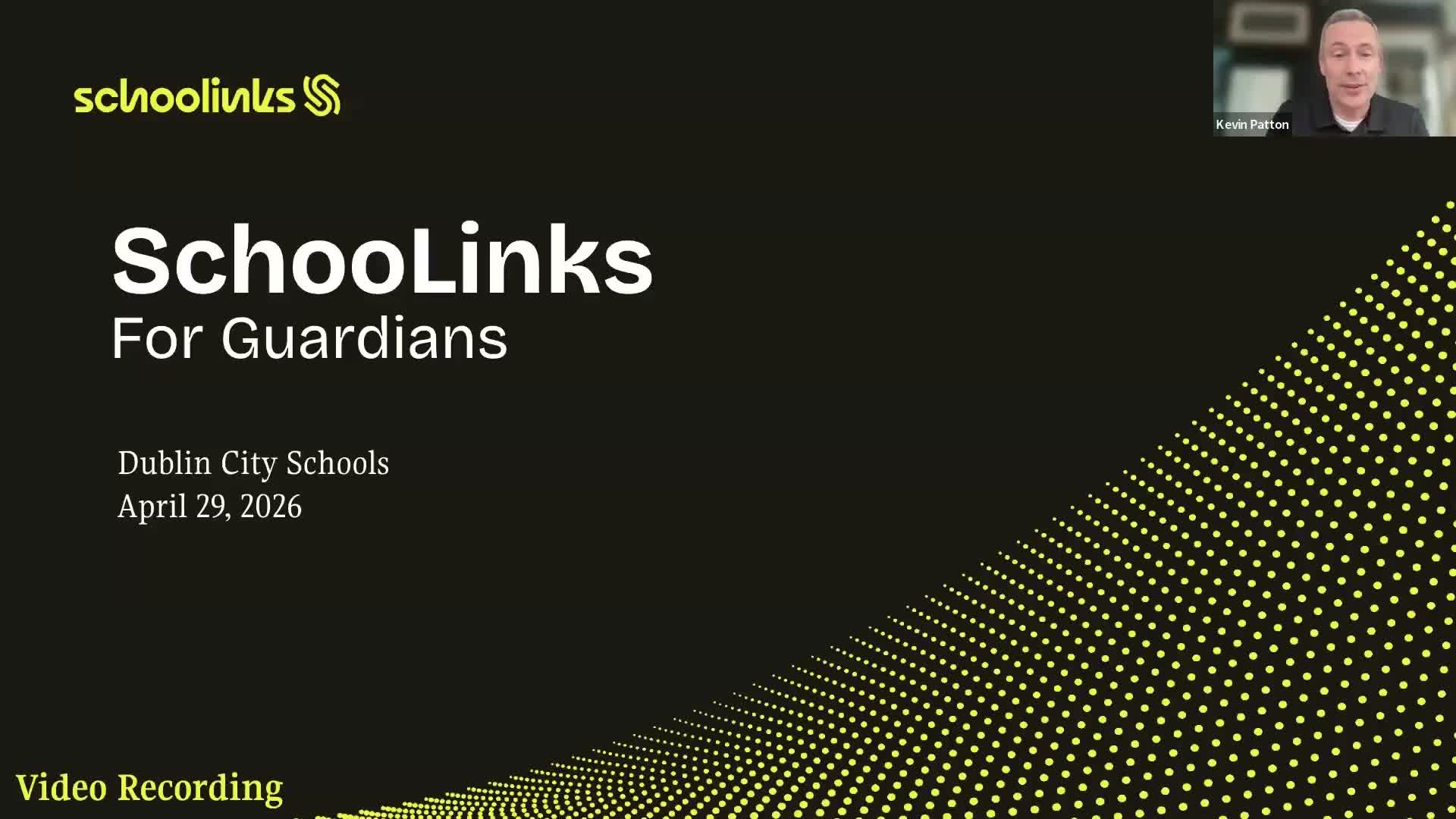
Dublin City (Regular School District) counselors and a SchoolLinks representative walked parents through the platform’s student and guardian features during a virtual parent presentation.
Kevin Patton, pathways counselor for Dublin City Schools, opened the session and introduced Endasia Pearson, a SchoolLinks representative who gave a slide overview and a live demonstration of the student-facing and guardian interfaces. "SchoolLinks is designed to be a true all-in-one student success platform," Pearson said, highlighting career-interest inventories, resume and portfolio builders, scholarship matching, and college-application tools.
Pearson demonstrated student onboarding and a "Find Your Path" assessment that the platform says takes about 10–15 minutes and produces career-cluster and major suggestions that students can revise over time. She showed the student dashboard and to-do list that organizes tasks by overdue, upcoming and completed items, and the news/opportunity feed that surfaces scholarships, local internships and mentor videos.
The demonstration included experience tracking: students can log community-service hours, record supervisor contact information for verification and mark activities as pending until approved. "You can keep track of your own hours," Pearson said, describing how entries move from pending to approved once verified.
Pearson also showed the Career Center and college-search tools, which include regional job-data maps, filters for degree type and institution characteristics (Hispanic-serving, tribal, campus setting), and an admissions-likelihood indicator that uses national and district data when available. She highlighted features such as VR campus tours, mentor videos, and an auto‑generated resume created from the student profile.
Parents asked about how Dublin implements SchoolLinks. Patton said the district began introducing the platform in middle school so students are familiar with onboarding by eighth grade, and that use varies by year: "By senior year, they're very familiar with this platform," he said, noting counselors assign different lessons and tasks across grade levels and the tool is used heavily for college-application work and recommendation letters.
Patton clarified that Dublin does not have a district-wide volunteer-hours requirement for graduation, though clubs and honors programs may set their own expectations; he encouraged families to use SchoolLinks to log activities. He also contrasted SchoolLinks with YouScience, saying YouScience focuses more on aptitude testing while SchoolLinks emphasizes exploration and planning.
On guardian access, Pearson instructed parents to go to app.schoollinks.com and sign in with the email the district has on file (Log in with Google) or use the "forgot password" flow to create credentials. She said district-synced parent emails mean many guardian accounts were pre-created and that email notifications come from info@schoollinks.com. As an example of a deadline reminder, Pearson cited a sample due date of 06/30/2026.
Pearson noted that some data visible to guardians—GPA, SAT scores, test results—depends on what the district has imported into SchoolLinks. She also said students keep lifelong access: during senior year students give a personal email that rolls their account into an alumni account so resumes, portfolios and other materials remain available.
Both presenters encouraged parents to log in with their students, use the built-in help articles or live support (yellow help button) and to contact district staff for questions about local implementation. Patton said Dublin will continue to expand how the district uses SchoolLinks but that some staff workflows, such as scheduling counselor meetings, still operate by email or district office processes. The district will share the recorded presentation with families who could not attend.
The presentation included a Q&A about timing: Patton urged juniors to begin exploring SchoolLinks before college application season so they are prepared when applications open in August.
Kevin Patton, pathways counselor for Dublin City Schools, opened the session and introduced Endasia Pearson, a SchoolLinks representative who gave a slide overview and a live demonstration of the student-facing and guardian interfaces. "SchoolLinks is designed to be a true all-in-one student success platform," Pearson said, highlighting career-interest inventories, resume and portfolio builders, scholarship matching, and college-application tools.
Pearson demonstrated student onboarding and a "Find Your Path" assessment that the platform says takes about 10–15 minutes and produces career-cluster and major suggestions that students can revise over time. She showed the student dashboard and to-do list that organizes tasks by overdue, upcoming and completed items, and the news/opportunity feed that surfaces scholarships, local internships and mentor videos.
The demonstration included experience tracking: students can log community-service hours, record supervisor contact information for verification and mark activities as pending until approved. "You can keep track of your own hours," Pearson said, describing how entries move from pending to approved once verified.
Pearson also showed the Career Center and college-search tools, which include regional job-data maps, filters for degree type and institution characteristics (Hispanic-serving, tribal, campus setting), and an admissions-likelihood indicator that uses national and district data when available. She highlighted features such as VR campus tours, mentor videos, and an auto‑generated resume created from the student profile.
Parents asked about how Dublin implements SchoolLinks. Patton said the district began introducing the platform in middle school so students are familiar with onboarding by eighth grade, and that use varies by year: "By senior year, they're very familiar with this platform," he said, noting counselors assign different lessons and tasks across grade levels and the tool is used heavily for college-application work and recommendation letters.
Patton clarified that Dublin does not have a district-wide volunteer-hours requirement for graduation, though clubs and honors programs may set their own expectations; he encouraged families to use SchoolLinks to log activities. He also contrasted SchoolLinks with YouScience, saying YouScience focuses more on aptitude testing while SchoolLinks emphasizes exploration and planning.
On guardian access, Pearson instructed parents to go to app.schoollinks.com and sign in with the email the district has on file (Log in with Google) or use the "forgot password" flow to create credentials. She said district-synced parent emails mean many guardian accounts were pre-created and that email notifications come from info@schoollinks.com. As an example of a deadline reminder, Pearson cited a sample due date of 06/30/2026.
Pearson noted that some data visible to guardians—GPA, SAT scores, test results—depends on what the district has imported into SchoolLinks. She also said students keep lifelong access: during senior year students give a personal email that rolls their account into an alumni account so resumes, portfolios and other materials remain available.
Both presenters encouraged parents to log in with their students, use the built-in help articles or live support (yellow help button) and to contact district staff for questions about local implementation. Patton said Dublin will continue to expand how the district uses SchoolLinks but that some staff workflows, such as scheduling counselor meetings, still operate by email or district office processes. The district will share the recorded presentation with families who could not attend.
The presentation included a Q&A about timing: Patton urged juniors to begin exploring SchoolLinks before college application season so they are prepared when applications open in August.
View the Full Meeting & All Its Details
This article offers just a summary. Unlock complete video, transcripts, and insights as a Founder Member.
✓
Watch full, unedited meeting videos
✓
Search every word spoken in unlimited transcripts
✓
AI summaries & real-time alerts (all government levels)
✓
Permanent access to expanding government content
30-day money-back guarantee
